1. Go to the Ooma Enterprise Admin Portal and login using an administrator account, select the "Phone System" if prompted.
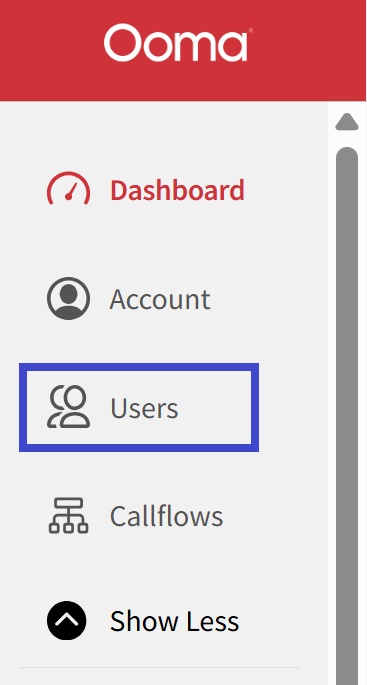
2. Click on Users
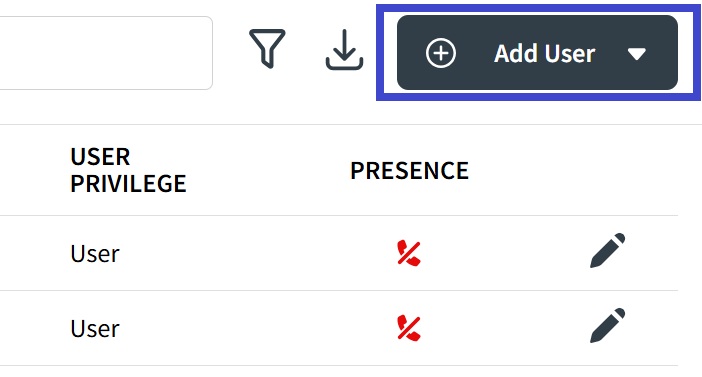
3. Click on the "Add User" Button.
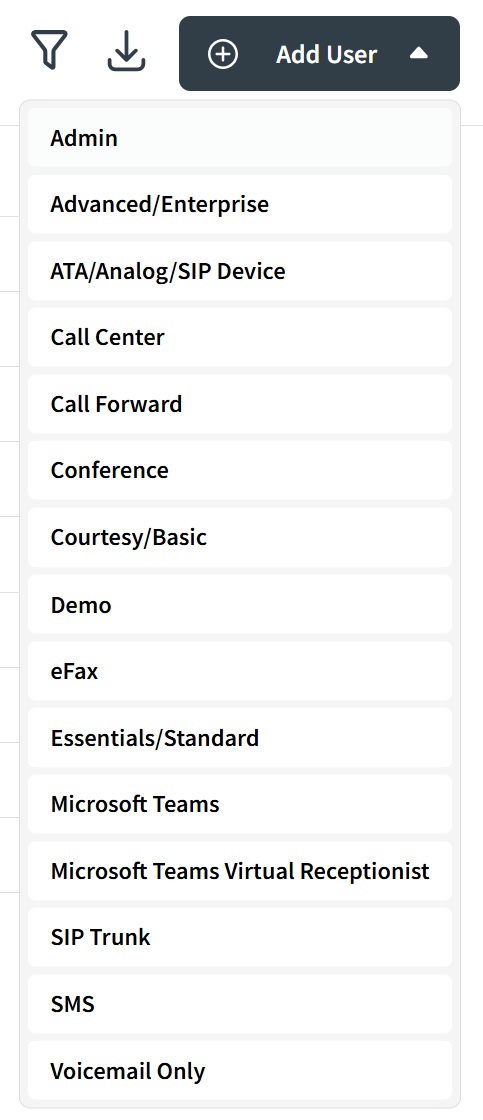
4. Choose the User Type from the list
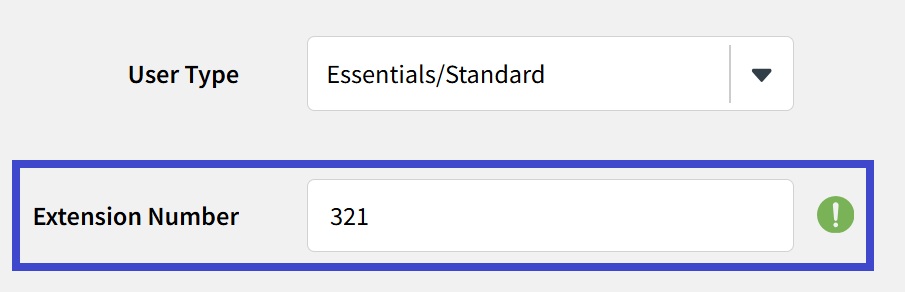
5. Enter the extension number you would like assigned to the User
6. Type the User's First Name

7. Type the User's Last Name

8. Type the User's email address

9. Enter the password and confirm it

10. Click on Save to create the user!
Once saved, this will automatically create the device, voicemail and call flow that will be associated to the User with the extension you entered.

Was this article helpful?
That’s Great!
Thank you for your feedback
Sorry! We couldn't be helpful
Thank you for your feedback
Feedback sent
We appreciate your effort and will try to fix the article