Description: After clicking on the "Add User" button, you will be directed to a window where you can set up its configuration. This window will consist of seven tabs, one of which will be the User tab.
The primary objective of this section is to establish a fundamental set of parameters for a new User. These may include defining a phone number and contact information for the person associated with the User, configuring Caller IDs for internal and external calls, implementing certain call restrictions, and so on.
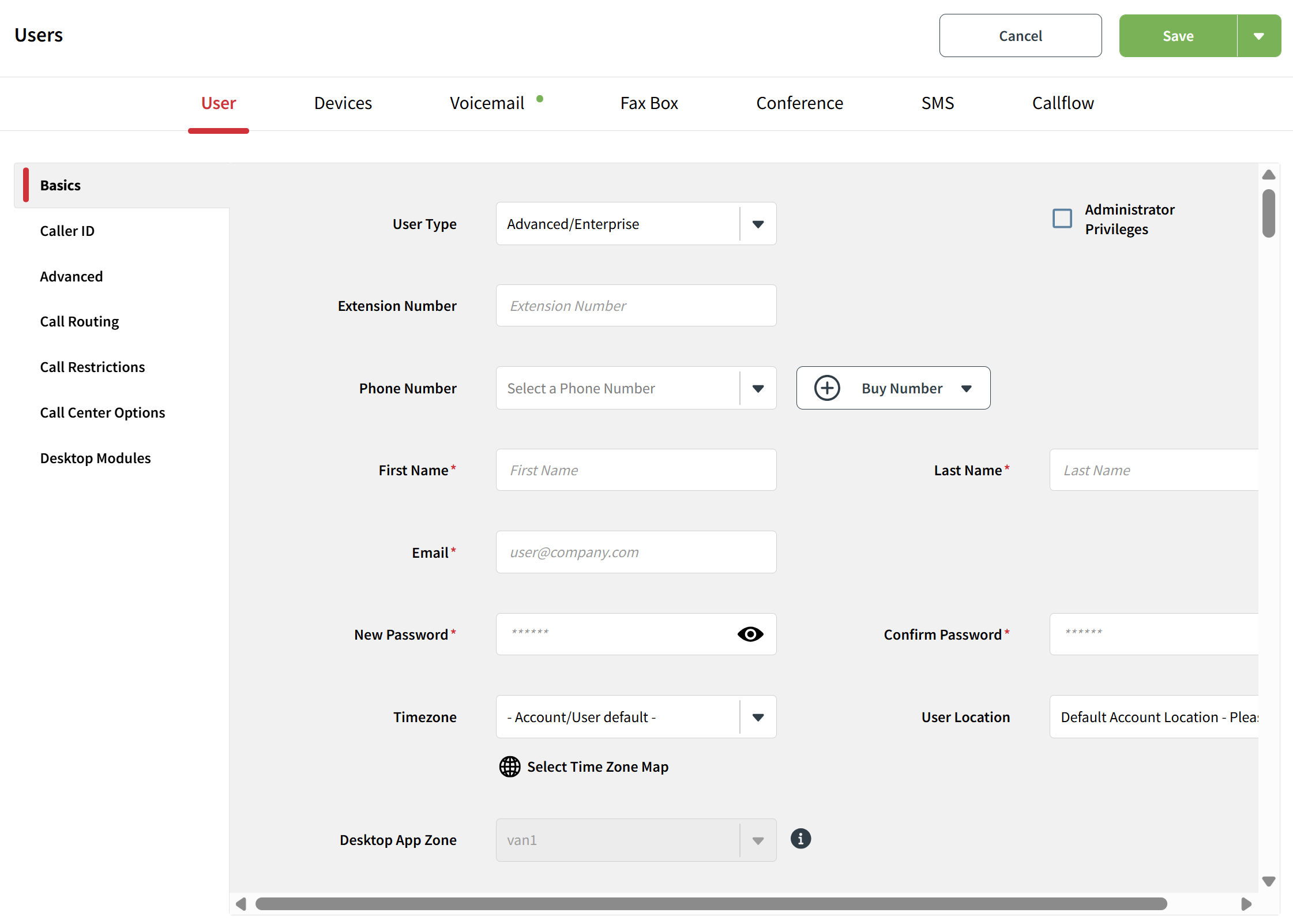
This tab is segregated into 7 distinct sections. You can navigate between these sections by either clicking on the corresponding section name or by scrolling with your mouse. Each of these parameter sections will be elaborated upon in separate articles:
Was this article helpful?
That’s Great!
Thank you for your feedback
Sorry! We couldn't be helpful
Thank you for your feedback
Feedback sent
We appreciate your effort and will try to fix the article