Description: The purpose of this internal article is to provide a comprehensive overview of the OE Desktop app’s Settings section.
Upon accessing the OE Desktop app, you will encounter the “User Settings” section, which contains essential information about the user account under which the OE Desktop app is launched.
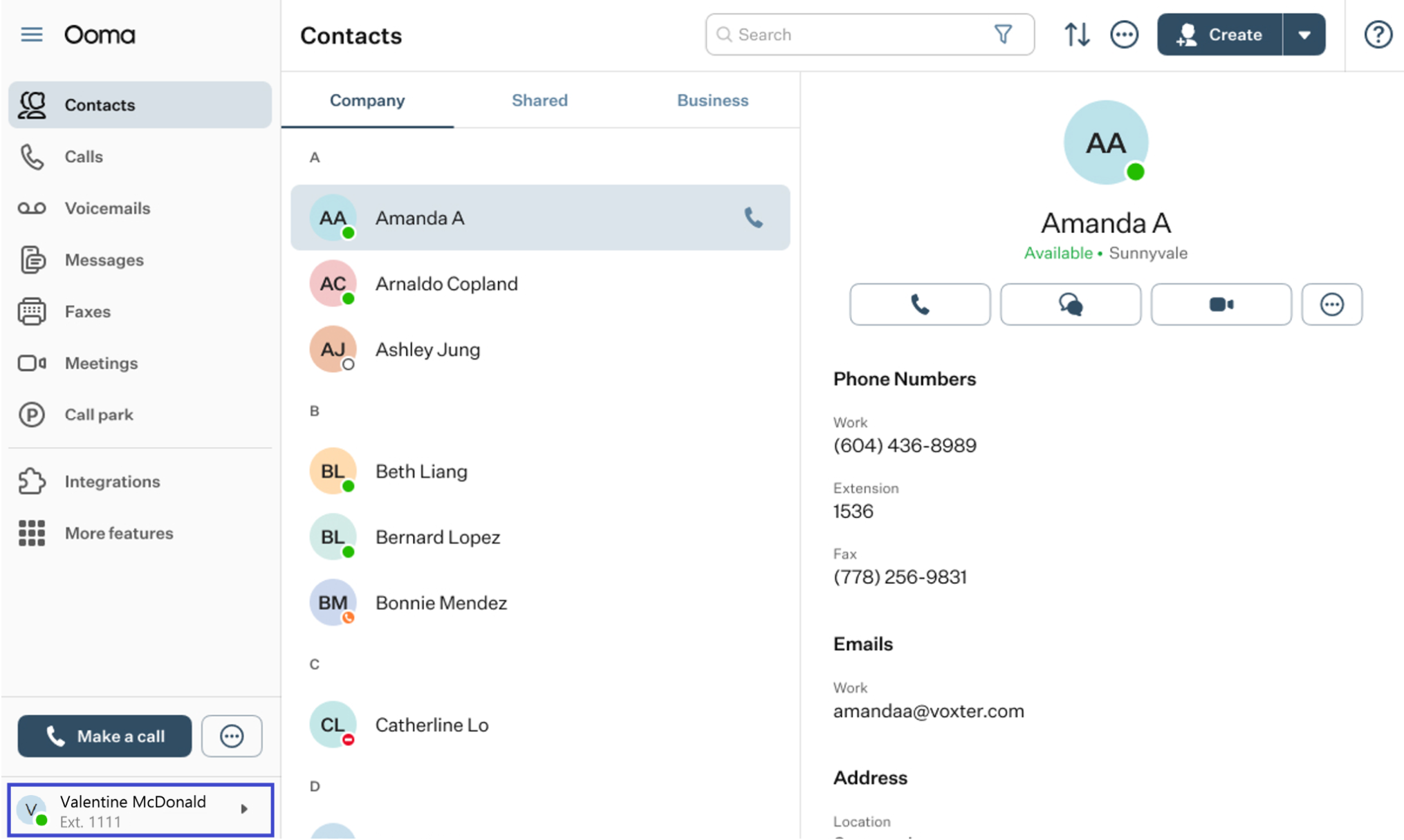
Click on it. In the pop-up menu that appears, select Settings.
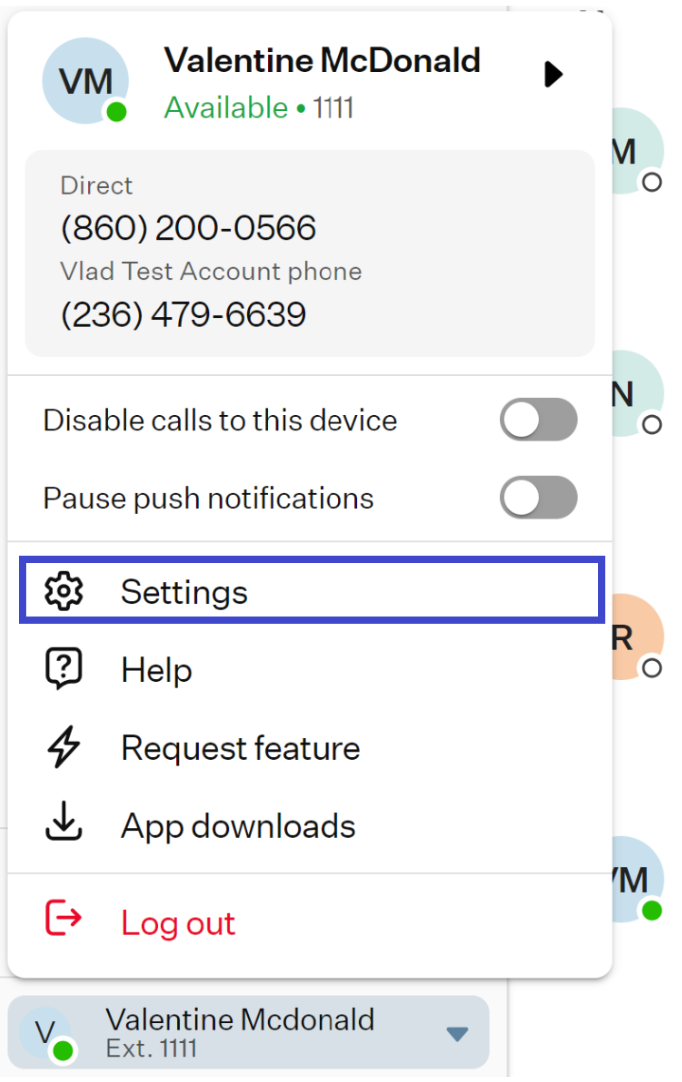
This will open the Settings section of the OE Desktop app.
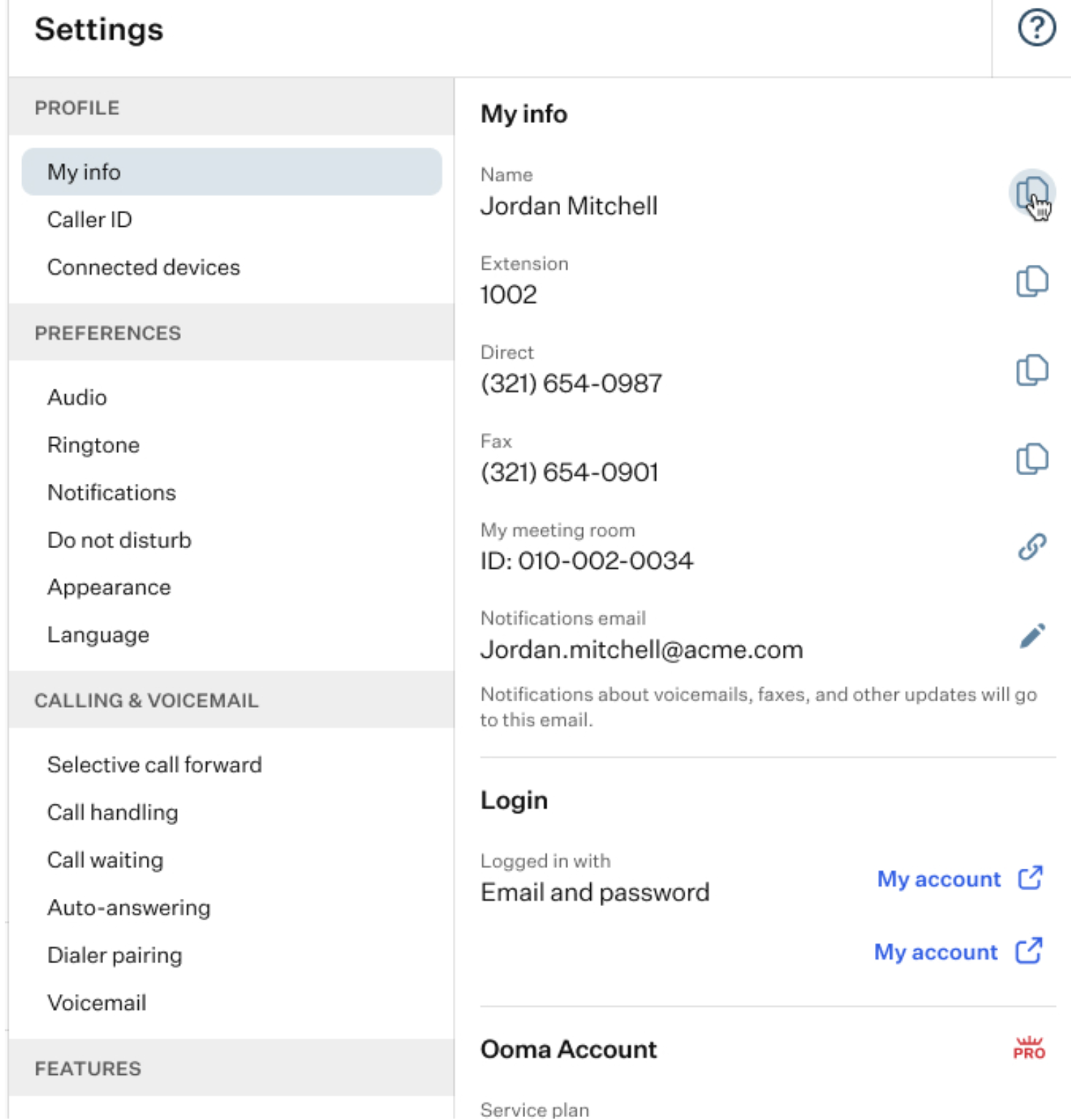
The left-hand list includes six groups fo settings, each containing several smaller subgroups. These subgroups include configurable and non-configurable parameters, which are displayed on the right-hand side of the page.
Because of the large number of parameters, this information is split across multiple articles by group, which are listed below.
Was this article helpful?
That’s Great!
Thank you for your feedback
Sorry! We couldn't be helpful
Thank you for your feedback
Feedback sent
We appreciate your effort and will try to fix the article