When the user launches the OE Desktop App for the first time, they will be presented with this interface.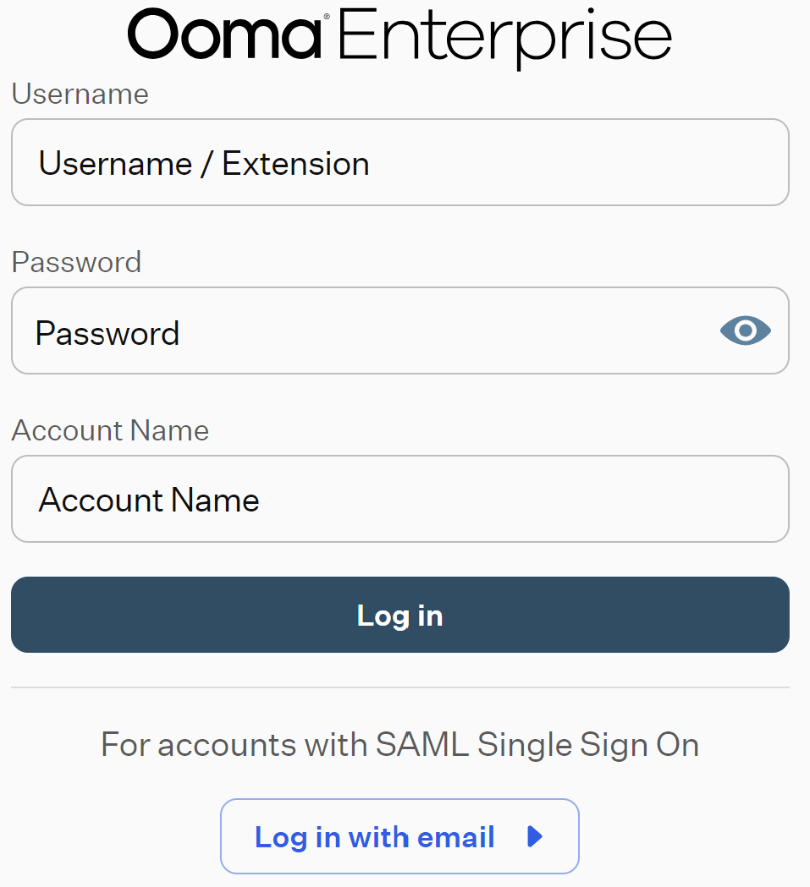
The upper section of this window is the General Login Form.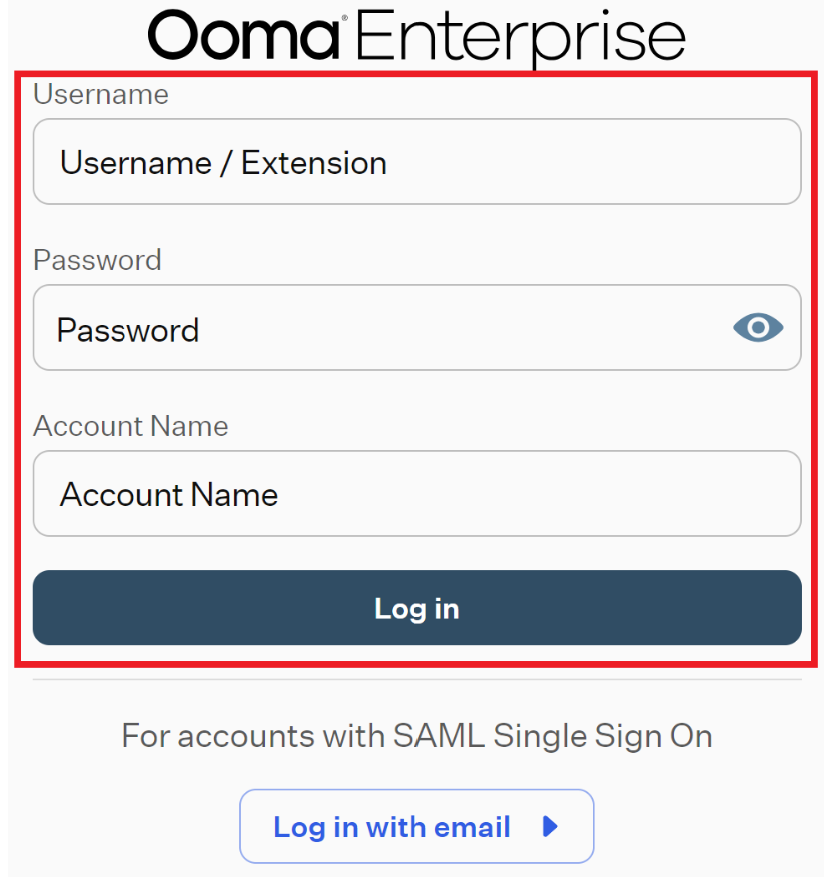
This form includes three credential fields that the user needs to fill out, as well as the “Log In” button.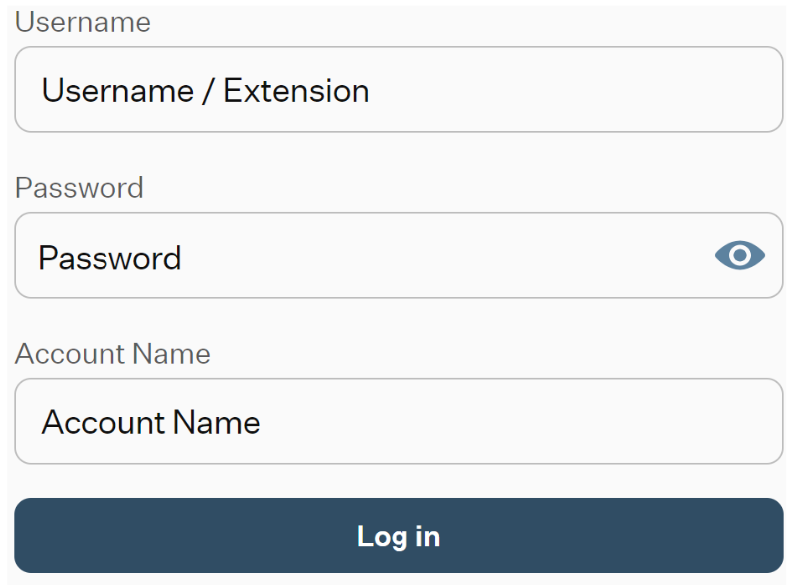
After entering the correct credentials, clicking on this button will initiate the configuration of the OE Desktop App for your account.
Once the loading is complete, the user can access the OE Desktop App window, which will display the Contacts Module in the Main Space of the App.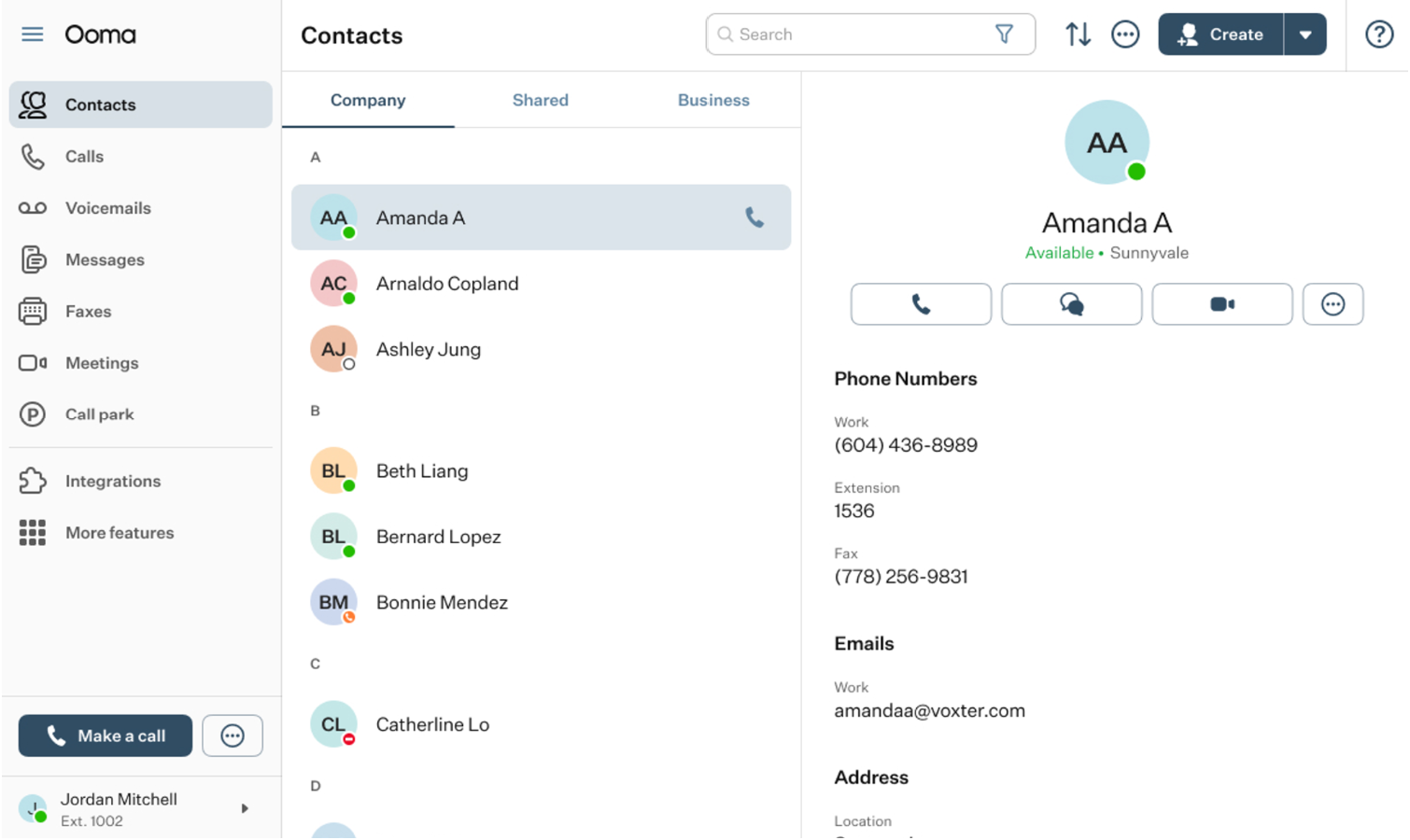
From that point on, the OE Desktop App is completely loaded and ready to use.
Was this article helpful?
That’s Great!
Thank you for your feedback
Sorry! We couldn't be helpful
Thank you for your feedback
Feedback sent
We appreciate your effort and will try to fix the article